Mac+Tech
  • HOME
  • SERVICES SUPPORT OUT-OF-BOX MAC SETUP TUNE-UP REMOTE SUPPORT TRAINING TUTORIALS
  • COMMON PHOTO ISSUES ORGANIZING YOUR PHOTOS SCANNING YOUR PHOTOGRAPHS
  • Wi-Fi Setup & Troubleshooting
  • BLOG
  • CLIENT KUDOS
  • CONTACT
Mac+Tech
  • HOME/
  • MAC+TECH/
    • SERVICES
    • SUPPORT
    • OUT-OF-BOX MAC SETUP
    • TUNE-UP
    • REMOTE SUPPORT
    • TRAINING
    • TUTORIALS
  • DIGITAL PHOTOS/
    • COMMON PHOTO ISSUES
    • ORGANIZING YOUR PHOTOS
    • SCANNING YOUR PHOTOGRAPHS
  • WI-FI/
    • Wi-Fi Setup & Troubleshooting
  • BLOG/
  • CLIENT KUDOS/
  • CONTACT/
Mac+Tech

APPLE COMPUTER SUPPORT SINCE 1988

MAC TUNE-UP

Mac+Tech
  • HOME/
  • MAC+TECH/
    • SERVICES
    • SUPPORT
    • OUT-OF-BOX MAC SETUP
    • TUNE-UP
    • REMOTE SUPPORT
    • TRAINING
    • TUTORIALS
  • DIGITAL PHOTOS/
    • COMMON PHOTO ISSUES
    • ORGANIZING YOUR PHOTOS
    • SCANNING YOUR PHOTOGRAPHS
  • WI-FI/
    • Wi-Fi Setup & Troubleshooting
  • BLOG/
  • CLIENT KUDOS/
  • CONTACT/

The Tune-Up

What's a tune-up? Since technology changes at the speed of light, your computer needs to be updated periodically to keep pace. Without these updates, you can go to a website and videos won't play (or play correctly), or you may get notices that you don't have the needed software to view certain pages. You may also be unable to open some attachments that you receive with emails.

Why should a computer need a tune-up at least once a year? Stuff happens. In the computer world all sorts of things happen. Files get corrupted. (Google listed 1.2 million reasons why.) This can happen for some pretty obvious reasons. Power failures, power surges, program crashes, computer crashes. It can also happen for no reason at all. I like the cosmic ray theory, but any theory will do.

Files get corrupted. These can be unimportant files or crucial files which bring the computer to its knees. When it is the latter, you don't need a tune-up, you need a troubleshooting service call. But even when things are humming along, there are generally minor problems lurking under the hood. And speaking of cars, here is the analogy: used cars are never in perfect running order. In cars, parts wear out. In computers, files get corrupted and parts can wear out..

Diagnose and Repair. The good news is that most corruption can be repaired with special programs. Some of these programs are safe to use. Some are risky. I don't use the risky ones. As part of a tune-up, I identify corrupted files and repair them when possible. Occasionally this uncovers problems that have been affecting your computer for a while. That may mean some applications may need to be re-installed or the operating system updated.

Oh, by the way… When I see a client, they usually mention an ongoing issue that they had forgotten to mention. I try and get my clients to keep a list of these things so I can address them during the next support session.

  • HOME/
  • MAC+TECH/
    • SERVICES
    • SUPPORT
    • OUT-OF-BOX MAC SETUP
    • TUNE-UP
    • REMOTE SUPPORT
    • TRAINING
    • TUTORIALS
  • DIGITAL PHOTOS/
    • COMMON PHOTO ISSUES
    • ORGANIZING YOUR PHOTOS
    • SCANNING YOUR PHOTOGRAPHS
  • WI-FI/
    • Wi-Fi Setup & Troubleshooting
  • BLOG/
  • CLIENT KUDOS/
  • CONTACT/

Mac+Tech

Mac+Tech BLOG

Sign Up for the Mac+Tech Blog
BLOG
proton mail graphic.png
Proton Mail: A Free Email Account with a Privacy Difference
Read more →
optout of ai graphic.png
The Choice to Abstain: Practical Steps to Opt Out of AI
Read more →
earthlink graphic blog.png
The Future of Your EarthLink Email: How to Keep It or Know When to Move On:
Read more →
safari struggles blog image.png
Why Safari Can Struggle on Older Macs
Read more →
email large files graphic.png
How to “Email” Large Files
Read more →
yahoo article graphic.png
Yahoo: Email at Its Worst
Read more →
netflix article graphic.png
Having Trouble with Netflix on Your TV?
Read more →
checks article graphic.png
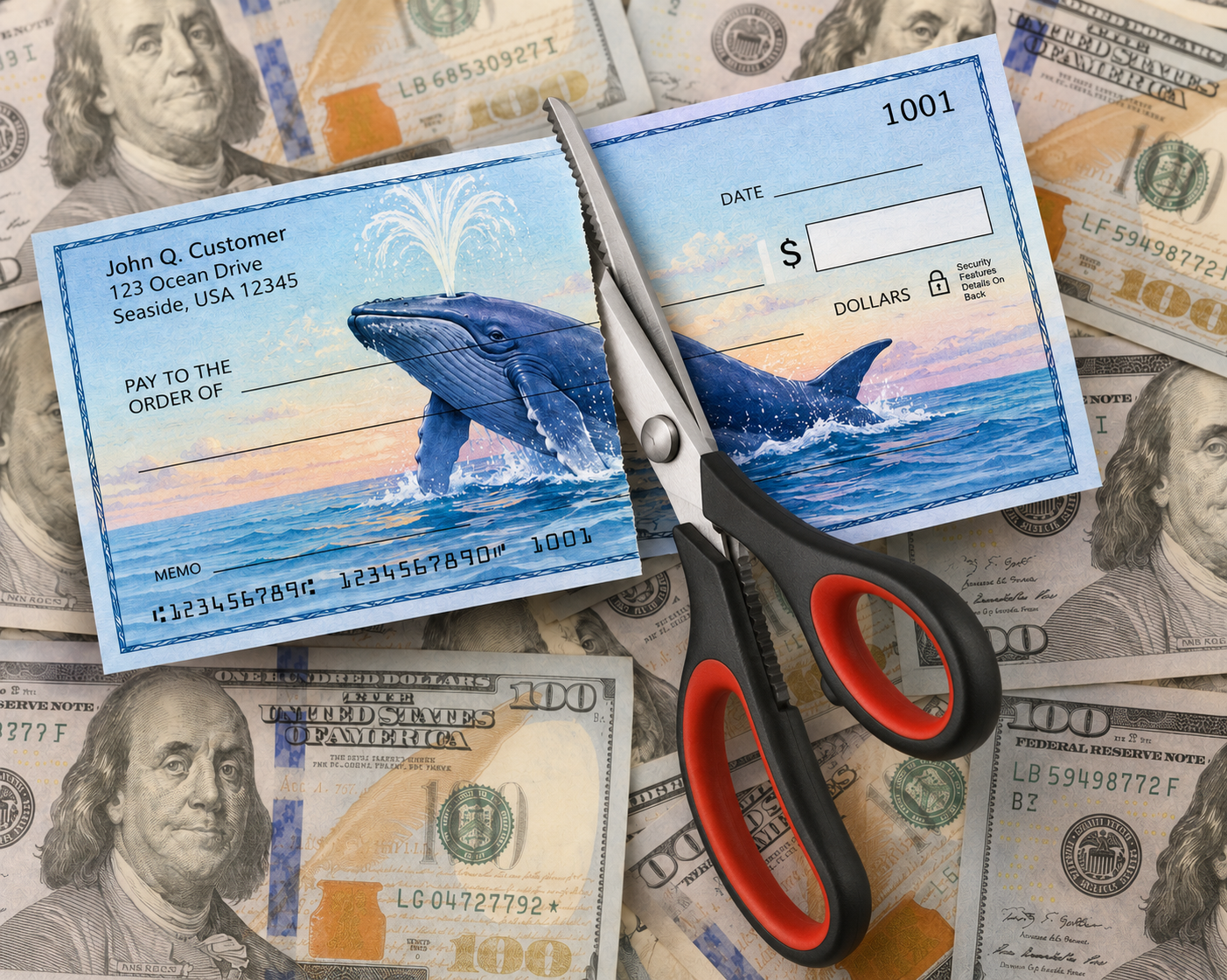
Where is that check in the mail going?
Read more →
out of space article.png
What Do You Mean My Mac Is Running Out of Space?
Read more →
password article image.png
Is Apple Passwords the Answer to the Password Puzzle?
Read more →
tahoe-skis.png
Did Apple Get Over Its Skis With macOS Tahoe? Nine Solutions That Can Make It More Enjoyable and Less Annoying
Read more →
siri pivot.jpg
Apple’s AI Pivot: How Google Gemini Will Finally Make Siri Smart
Read more →
dropbox for article.png
Dropbox Is Convenient, But It Is Not the Same as a Backup
Read more →

BLOG
fake ransomeware graphic.jpg
Don’t Panic When a Scary Warning Takes Over Your Browser
Read more →
family and friends paypal.png
PayPal: How to use Family and Friends
Read more →
mojave-security-update.png
Apple Security Updates: Disaster or Media Hype
Read more →
IMG_7451.JPG
Photo Organization
Read more →
Deleting ALL Your iPhone Photos (at once)
Read more →
iPhoto Libraries & Photos Libraries
Read more →
Google Chrome Can Erase Your Bookmarks If You Sync
Read more →
Your Digital Legacy
Your Digital Legacy
Read more →
my apple watch.png
My New Wrist – The Apple Watch
Read more →
How to Display Your Medical ID on Your iPhone Screen
Read more →
Apps That Turn Your iPad into a TV
Read more →

Mac+Tech Journal

Sign up with your email address to receive future issues of the MAC+TECH JOURNAL with news, tech tips, buyer's guide, and the Mac+Tech take on Apple-related technology. READ the latest Journal.

Your email address will not be used for other purposes.

Thank you!

SQUARESPACE WEBSITE DESIGN BY POONA ROONZ