Having Trouble with Netflix on Your TV?
/When someone says, “Netflix is slow on my TV,” they may not realize that Netflix can be coming from more than one place.
If you have a cable box, a smart TV, and an Apple TV, you may actually have three different sources for Netflix:
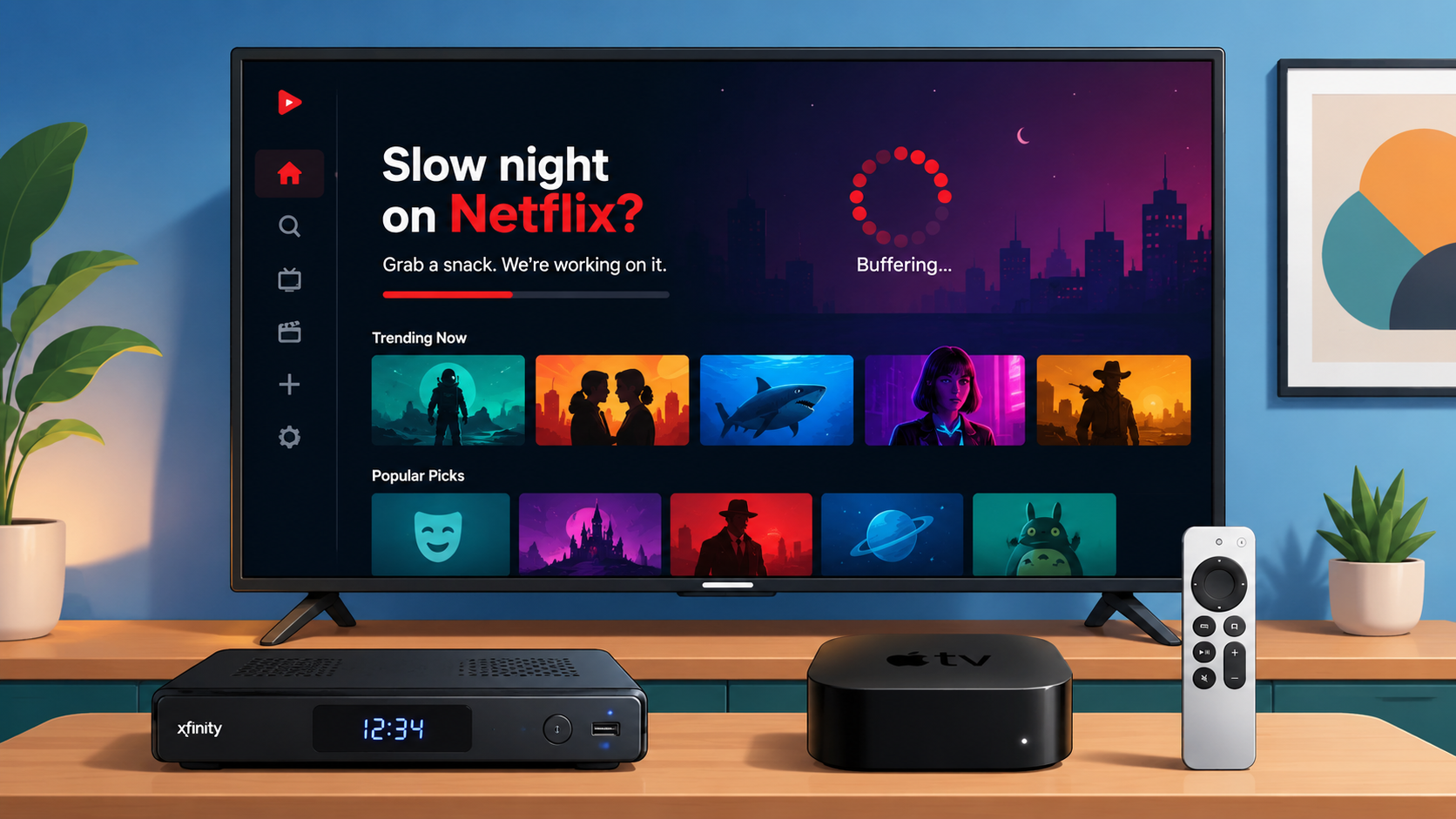
1. Netflix through the cable box
2. Netflix built into the smart TV
3. Netflix on the Apple TV
You may also have another dedicated streaming device, such as a Roku Streaming Stick, Amazon Fire TV Stick, or Google TV Streamer. Each of these can also be your source for Netflix.
For some reason, Netflix designs a different app for each device that it is used on. The navigation, the way things look, and even the speed of your streaming experience can be different. That is why Netflix may feel slow in one place and much faster in another.
But most folks have no idea what their source for Netflix is. When I am onsite, working on my clients’ Macs, it may come up in passing that they are having trouble with Netflix. The first thing I have to do is find out how they get to the app.
The Cable Box Netflix App
The most common choice is to use the cable box’s Netflix app. Often, there is even a button on the remote for it. So, they often just push the button and log in. That can be the best choice, or possibly the worst.
It depends on a few things.
1. Does the cable provider provide both internet and TV, or just TV? If they provide both, then internet speed should be nearly the same if Netflix is connected using the cable box app, the smart TV app, or a streaming app from a media streamer, like Apple TV.
2. If your cable package does not include internet, you have a separate account with Sonic or AT&T, or whoever provides internet in your area. Sonic, for example, offers DSL speeds as low as 20 Mbps in some areas and fiber-optic speeds, typically 2000 Mbps, in others. Depending on which you have, that could mean the difference between a great Netflix experience and a dismal one.
3. If you are using WiFi, then you are accessing the app on your smart TV or a streaming device like Apple TV. You could also be using an ethernet connection from the internet provider unless your streaming device is WiFi-only. This could result in a more stable internet speed that is either the same as or higher than WiFi.
The streaming experience is more than just faster or slower. Each way of accessing Netflix can involve using a different remote. Most of us avoid using the remote that came with the TV. Many of us don’t even know where that is.
If you use your smart TV for streaming, you either have to find and use that remote, or train the cable remote to perform the same functions. Many cable remotes will only learn the more basic functions like volume, power, and input switching. One solution is to get, and program, a universal remote that can easily control everything. Easily, that is, after a complex setup.
Using an Apple TV can also be done from a universal remote, but usually folks use the actual Apple TV remote. If that is the case, then watching TV involves two remotes. If you use the Apple TV for some things, and your smart TV for other things, you are up to three remotes. Yikes.
How to Choose Which Way to Watch Netflix
I use my Apple TV for streaming. There are two reasons.
1. Although my cable box and my Apple TV have the same internet speed, it is noticeably slower to open the Netflix app from the cable box app. I suspect this is because cable boxes are not always built for fast app performance.
2. I like the experience of using the Apple TV better. The app is better designed. In fact, the whole Apple TV interface is more pleasant to use than my Xfinity cable TV box. I also like the Apple remote better than the Xfinity remote.
When Using Netflix from Your Cable Box is Better
If you don’t have good WiFi where your TV is located, the streaming experience can be degraded if you are using the smart TV or a device like Apple TV.
Netflix can lower the video quality when the connection is slow or unstable. This is to avoid stuttering and connection drops. Instead, you may get a less sharp picture at a lower resolution. It looks fuzzy, but many folks don’t notice the difference.
This is not unique to Netflix. Many streaming services adjust video quality based on the available internet speed or connection quality. That is usually better than stopping the show every few minutes to buffer.
If you can’t upgrade the WiFi, or run an ethernet cable to where your TV is located, you may be better off using the cable box app instead of your smart TV or streaming device. In my opinion, a good WiFi streaming experience requires about 80 Mbps. You can test the speed of your WiFi by running a speed test app on your phone when right next to your TV.
Other Streaming Apps
In this blog, I talk about Netflix. Almost everything I mention also applies to other streaming apps. Here is a partial list of them: Prime Video, Max, Hulu, Disney+, Paramount+, and Peacock. Some of these may be integrated into your cable experience without having to use an app to watch them.
A Simple Test
Try Netflix from each source you have.
If you want to see what the other options are like, you may need to log into Netflix beforehand. Open Netflix on the cable box. Then open Netflix on the smart TV. Then open Netflix on the Apple TV or another streaming device.
The quality of the streaming experience may be the same, or you may see quite a difference. You may also like the process of getting into Netflix better on one of them. Lastly, see how everything looks and feels. Is it easy to navigate? Does it feel responsive?
Summing Up
Netflix can come from more than one place on the same TV.
You may be watching Netflix through the cable box, through the TV’s built-in smart TV app, or through an Apple TV or another streaming device. If Netflix feels slow, make sure you know which Netflix app you are using.
Cable box apps can be the best choice if your WiFi isn’t up to par.
If you don’t have a dedicated streaming device like Apple TV, you may prefer using your smart TV.
Pay attention to which experience you enjoy the most. That is usually why we watch streaming content.