The Future of Your EarthLink Email: How to Keep It or Know When to Move On:
/If you currently have an EarthLink email address, it is because you either use EarthLink as your internet provider, or you used them as your service provider at some point in the past.
This also applies to any of EarthLink's legacy and acquired email domains, such as MAINSPRING, JPS, MINDSPRING, or CYBERNET. You don't need an exhaustive list to know if you are affected; the bottom line is that if you see a recurring monthly or annual charge from EarthLink on your bank statement or credit card, you are paying to keep that specific email address alive.
When I discover that a client still has an EarthLink email address, I always ask them how much they are paying for it. I ask this because EarthLink has never offered a standalone email service for new sign-ups. To get that address in the first place, every user had to start with EarthLink as their Internet Service Provider (ISP).
Over time, many people switch to a different internet provider for faster or cheaper speeds. However, they completely forget they are still paying EarthLink a full subscription fee each month. They end up paying for an internet connection they no longer use, just to keep their old inbox active. If they fall into this category, I let my clients know that they can safely cancel this internet service and still retain their legacy email address.
Here is exactly how that process works, the reasons why it might finally be time to migrate away from EarthLink altogether, and a step-by-step checklist to help you seamlessly make the switch.
How to Keep Your Email After Canceling Internet Service
While you can keep your email address without EarthLink internet, it won't become a free account. Also, EarthLink does not automatically preserve your inbox when you close your broadband account. To protect your data, you must actively manage the transition:
Request an "Email-Only Downgrade": You must call EarthLink customer support before canceling your internet to transition your inbox to a standalone account. This change cannot be processed online.
Expect a Monthly Fee: Keeping a legacy standalone EarthLink email address typically costs between $4.95 and $7.95 per month.
Beware the Inactivity Policy: EarthLink enforces a strict 90-day inactivity policy. If you do not log in or use your account for 90 consecutive days, EarthLink will mark the inbox as stale and stop delivering incoming messages.
Five Reasons It Might Be Time to Move On From EarthLink
Paying a small monthly fee to keep a familiar email address offers short-term convenience. However, relying on an ISP-hosted platform comes with significant drawbacks compared to independent providers like Gmail, Outlook, or Proton Mail.
1. You Face an "Email Hostage Tax"
Independent email providers offer massive storage tiers completely free. Paying roughly $60 to $90 a year just to keep a single legacy email address is essentially an "email tax." Over a few years, this cost adds up significantly for features you can get elsewhere for zero cost.
2. Severely Outdated Server Storage Limits
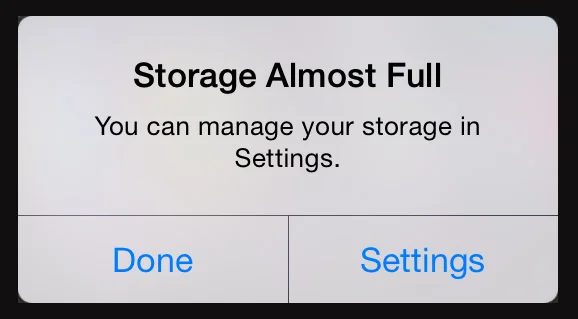
Whether you log into EarthLink using a web browser or connect it to an email app on your Mac or iPhone, your data is strictly limited by EarthLink's backend server quotas. Depending on your legacy plan tier, EarthLink limits server space to a restrictive range between 100 MB and 5 GB. Once EarthLink's central servers fill up, the system will instantly block and bounce incoming emails back to the sender – meaning you will miss important correspondence before your phone or computer even has a chance to download it.
3. Missing Modern Features and Security
EarthLink’s interface lacks the robust tools of modern platforms. Free competitors offer advanced productivity tools, including integrated cloud storage, smart automated inbox categorization, advanced AI-driven spam/phishing filters, and seamless multi-device synchronization.
4. No Dedicated Mobile App and Poor Smartphone Performance
EarthLink does not provide its own official mobile email app for your smartphone. Instead, to check your EarthLink messages on an iPhone or Android device, you have to manually configure the settings inside a generic, built-in application like the Apple Mail app. Because EarthLink's backend infrastructure is outdated, it does not support modern "push" technology on mobile devices. This means your phone cannot automatically receive immediate alerts when a new message arrives; instead, your phone has to manually check the servers on a delayed schedule, making it slower and less reliable than modern email services.
5. Overpaying for Unused Internet Due to Fear of Change
Many people who still have an EarthLink account have completely forgotten that they are actually paying for an underlying home internet service they haven't used in years. Over time, they may have signed up for a fast, modern broadband provider while keeping the old EarthLink account open under the assumption that they were simply paying for their email address. Others are fully aware of the double payment but are afraid to move on because they fear losing access to their lifelong digital identity. Setting up a new, completely free email service and moving your digital life over to it solves both problems, safely untangling your personal communication from an expensive, redundant home utility bill.
Your Seamless Transition Checklist
If you are ready to break free from EarthLink without losing your digital identity, follow this step-by-step checklist to ensure a smooth migration.
Step 1: Secure Your Contacts
Export your address book from EarthLink before closing or downgrading your service. Save your contacts as a CSV file to your computer.
Exporting to a CSV file allows you to import your contacts into your Mac's address book (the Contacts program). The CSV will also let you import directly into your email contacts in programs like Gmail and Outlook. This saves you from having to manually recreate your contacts one-by-one.
Step 2: Sign Up for Your New, Free Email Account
Create your new account with a modern, independent provider. Popular free options include Gmail and Outlook. If privacy is your top priority, you should consider Proton Mail, which is based in Switzerland and provides automatic end-to-end encryption so your data cannot be read or scanned for advertising.
When creating your account, take some time to choose your new email address:
Professional and Straightforward: If you want a clean look, try to get a combination like
firstname.lastname@protonmail.com. If that exact match is already taken, try adding your middle name, a middle initial, or a meaningful number.Fun and Personalized: Alternatively, you can decide to make your new address more fun and expressive using creative handles like
maui-girl@gmail.comorbreezy@live.com.
Step 3: Move All Your Email Messages into the New Account
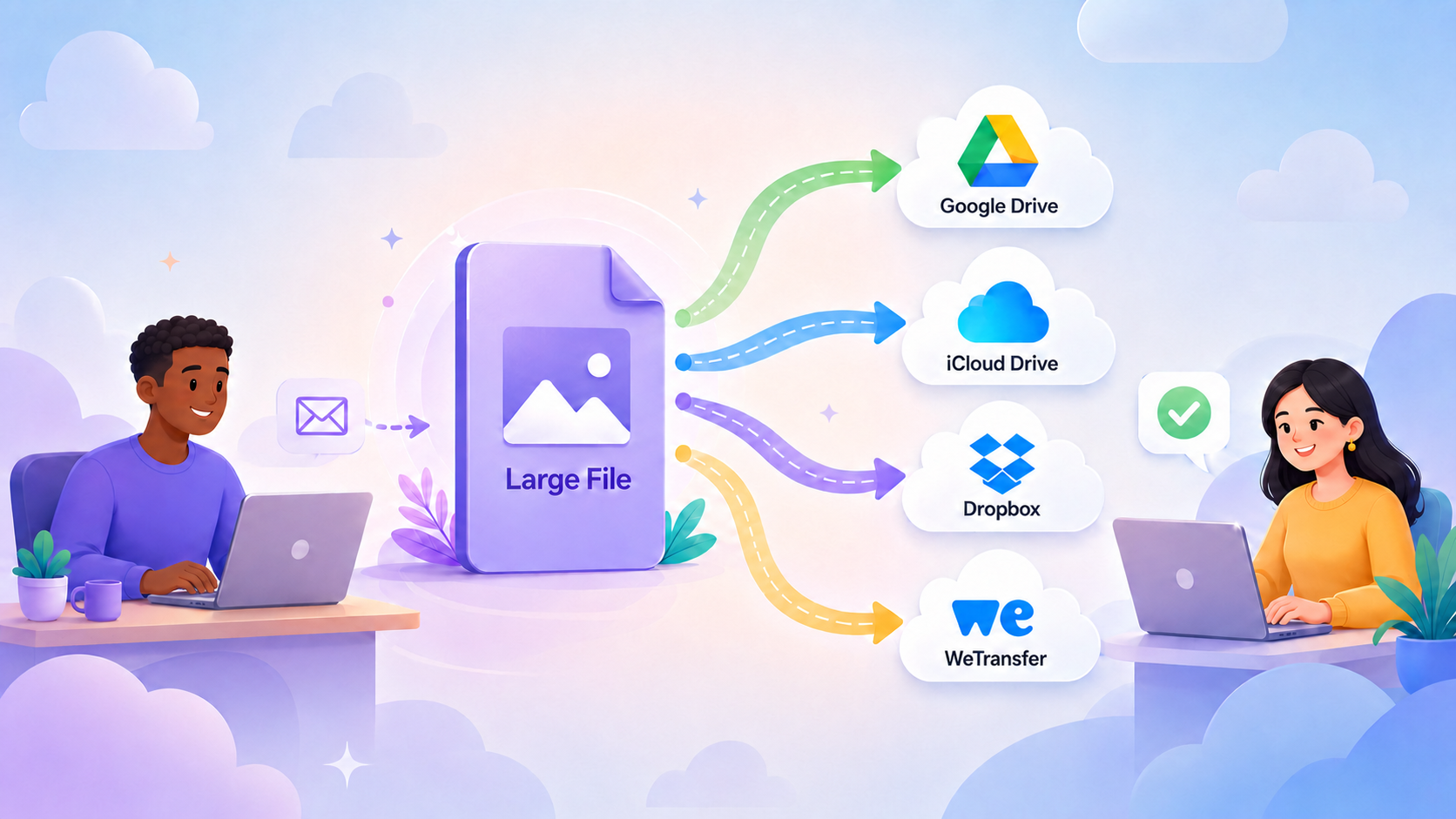
Do not leave your communication history behind. Before making any changes to your service contract, you should copy your historical emails into your new inbox. Most modern platforms (like Gmail and Outlook) feature built-in import tools that can safely copy your old folders, archives, and received messages directly over from your EarthLink server. Contact me if you need help moving your EarthLink emails into your new account.
Step 4: Downgrade and Cancel Your Internet Plan
Once your data is fully secure in its new home, it is time to handle the administrative switch. If you still have an active internet service account with EarthLink, you must call their customer support line. Inform the representative that you wish to cancel your home internet connection and negotiate a transition down to an email-only, paid standalone account.
Step 5: Update Your Login Info on Websites and Online Services
Your email address serves as the master key and communication lifeline for your entire digital footprint. To avoid missing critical notices, statements, or password reset alerts, you must log into your existing web accounts and update your registered email address to your new free inbox. Make a list of companies that routinely contact you by email, prioritizing high-importance services first:
Financial Portals: Online banking, credit card accounts, investment portfolios, and tax services.
Essential Providers: Health insurance portals, doctor networks, hospital billing systems, utility companies, and phone carriers.
Shopping & Subscriptions: Major online storefronts like Amazon, streaming platforms, like Netflix, digital subscriptions, and retail delivery rewards.
Apple Account: If you currently use your EarthLink email address for your Apple Account, you will want to swap it out for your new address. This can be handled by signing into apple.com. Let me know if you need help with this process.
Step 6: Broadcast Your Change
Send out a "New Contact Info" announcement email to your family, friends, and key professional contacts. Ask them to update their address books immediately and request a quick reply to confirm they received the notice. I can provide you with a simple email transition template.
Step 7: Enable Auto-Forwarding
Set up an automatic email forward inside EarthLink to redirect residual incoming messages straight to your new inbox. EarthLink's forwarding feature continues to function normally even on a paid, email-only account. This safety net automatically catches any lingering correspondence from stragglers while you phase out the old address completely.
How EarthLink Forwarding Works
Automatic Redirection: When enabled, any new message sent to your address is automatically passed along to your new destination inbox (like Gmail, Outlook, or Proton Mail).
Optional Inbound Copies: You can toggle a setting called "Keep Sent Copy" to ensure a duplicate remains in your EarthLink storage folder for safety.
Strict Security Verification: EarthLink requires two-factor confirmation to activate forwarding. When you input a new forwarding address, EarthLink will text a security code to the cell phone number linked to your account to verify your identity before any mail is redirected.
Lower Your Expectations
Many people will ignore the fact that you notified them of your email address change. They will continue their old habit of typing your name in the address field and allow it to autofill your EarthLink address. Don't be dismayed. You can add a signature to your emails that tells folks about your new address. Also, be sure and reply to any emails sent to your old address with your new one. Never send any more emails from your old account.
Because habits are hard to break, plan to keep the paid, email-only EarthLink subscription running until you feel confident that everyone important to you is using your new address. In fact, if you have decades of digital ties linked to it, you might even want to keep paying the small monthly fee to maintain it indefinitely as a permanent backup routing system.
Moving On Securely
Untangling your digital footprint from an old internet provider takes a bit of administrative work, but the financial and functional freedom may well be worth the effort. By setting up a modern, free inbox and transitioning your accounts over systematically, you stop overpaying for home utility packages you no longer need. Whether you choose to maintain your old EarthLink handle as a paid, standalone safety net or phase it out entirely, taking control of your communication ensures you stay securely connected on your own terms.
If the process of exporting data, importing folders, or changing your system settings feels overwhelming, let me know if you would like me to help make it less stressful.
The final draft is fully updated and polished according to your specific text changes. Let me know if you are ready to take this version over to your website!